
Ecommerce Design
How Ecommerce Site Search Can Increase Conversions and Improve Customer Experience

Divyesh Kachhadiya
 28, September, 2026
Ecommerce Design
Divyesh Kachhadiya
28, September, 2026
Let’s discuss how Loomis Guild can design and scale an eCommerce experience built for long-term growth. Start a conversation with Loomis Guild and take the next step toward a refined, scalable eCommerce platform.
"*" indicates required fields
Divyesh Kachhadiya
Divyesh is an Ecommerce Expert with custom store builds, theme development and migration. He is experienced Ecommerce developer sharing his insights for the ecommerce store development.
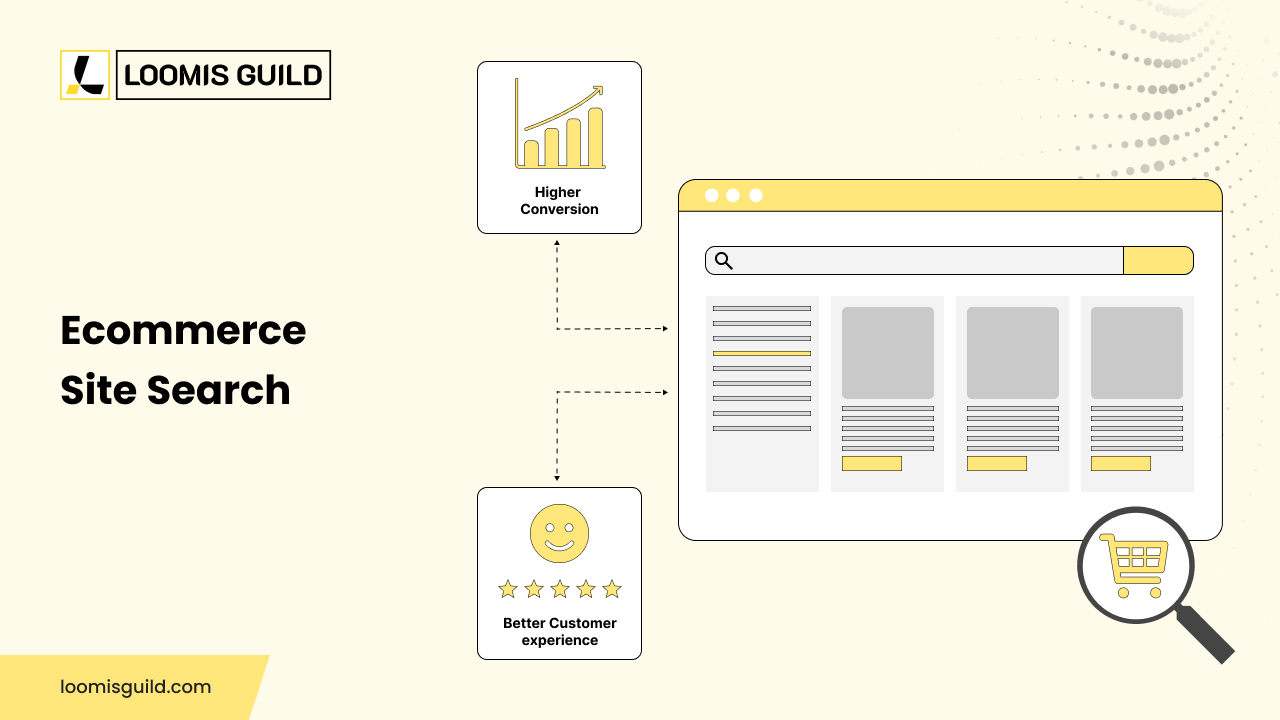
Quick Summary: Ecommerce site search improves conversions by instantly connecting shoppers with relevant products through smart matching, typo tolerance, and filters. It improves customer experience by eliminating dead-end zero-result pages, guiding undecided shoppers with merchandising, and reducing the time between searching and purchasing.
A shopper knows exactly what they want. They type it into the search box, expecting to land on the right product in a few seconds. Instead, they get a page of unrelated items, or a message telling them nothing was found. Many will not try again. They will just leave and buy from somewhere else.
This happens more often than most store owners realise. Ecommerce site search is not a small feature tucked into the header. It is often the fastest path a shopper has between wanting a product and finding it. When that path breaks, so does the sale, and this article explains how ecommerce search actually works, why it affects conversions, and how a business can start improving its own results.
Ecommerce site search is the internal search system inside an online store that lets shoppers search for products, categories, brands, or other content without leaving the site. It is separate from Google or Bing and only searches the store’s own catalogue.
When a shopper types a query, the search box captures it, and the search interface displays the results. Underneath both sits the ecommerce search engine, the technology that retrieves and ranks matching content from a search index, a structured copy of the catalogue built for fast lookup.
A well-built ecommerce search engine does not just match exact words. It looks at product titles, descriptions, attributes, categories, brands, SKUs, and tags, and applies synonyms, typo handling and merchandising rules to decide which products appear first. A search that returns the right product in the first few results feels effortless. One that does not feels broken.
Shoppers who use the search box are usually further along in their decision than shoppers who are only browsing. They already have something in mind, whether that is a category, a brand, or a feature. This is why ecommerce site search deserves more attention than it usually gets. It is one of the few places on a website where intent is stated in the shopper’s own words.
Good search shortens the distance between that intent and a product page. This matters more as a catalogue grows. A store with twenty products can rely on simple navigation. A store with two thousand products usually cannot.
Better search does not automatically produce more sales. Baymard Institute’s 2026 search UX benchmark found that 56 percent of ecommerce sites still deliver a “mediocre or worse” search experience, showing how much room most stores have to improve. Relevance is only part of the outcome. Pricing, availability, trust and checkout still matter, and a shopper can find the exact product and still leave if the price feels wrong.
Autocomplete shows suggestions as a shopper types, before they finish their query. This saves typing and helps shoppers reach a useful search term faster, especially on mobile. Baymard Institute reports that autocomplete already appears on around 80 percent of ecommerce sites, yet only 19 percent of those implementations perform well, which suggests the feature is common but often poorly tuned.
Shoppers make spelling mistakes, especially on phones. A search for “runing shoes” should still return running shoes. Ecommerce search functionality that cannot handle common typos forces the shopper to notice their own error and try again, and many will not bother.
Shoppers do not always use the same words a store uses. A shopper might search “trainers” while the catalogue lists “sneakers.” Synonyms should be built around a store’s real product data, and the language customers actually use, not a generic list borrowed from another industry.
Search and filters should work together. Once a shopper searches “jacket,” they should be able to narrow results by size, colour, brand, or price without starting a new search. This helps a shopper move from a broad query to the exact product faster.
Returning a technically matching product is not the same as returning a useful one. If a shopper searches “black running shoes” and the top result is a black running jacket, the match is valid but not helpful. Ranking should weigh relevance, not just whether a keyword appears somewhere in the data.
A “no results” page can be one of the most damaging moments in the shopping experience. Nielsen Norman Group notes that a zero result page carries a high risk that the shopper simply leaves the site, and this often happens even when relevant products exist in the catalogue. A good zero result page should still help, showing suggested searches, popular products, or a corrected version of the query.
Ecommerce search functionality covers the features that decide whether search actually helps a shopper or just technically works.
Attribute-aware search matters because shoppers often search using a specific detail, such as colour or material. SKU search matters most for B2B ecommerce or repeat buyers who already know the product code. Brand search matters because many shoppers arrive already knowing which brand they trust.
Mobile-friendly search matters because a large share of ecommerce traffic happens on phones, where typing is slower, and screen space is limited. Search analytics matter because they show what shoppers search for and which searches lead to a purchase, without which a store is optimising blind. Merchandising controls let a business promote products such as new stock, without breaking relevance for everyone else.
Ecommerce search optimization, and more specifically ecommerce site search optimization, is the ongoing process of improving how well internal search understands real customer queries. It is not a one-time setup.
Analyse internal search queries. Review what shoppers actually type. Look at the most searched terms, searches with zero results, low click-through, and searches that lead to a purchase.
Fix zero-result searches. Patterns usually appear quickly. A missing synonym, a misspelled brand name, or a product listed under a different category often explains most failed searches.
Improve product data. Search is only as good as the data behind it. Clean titles, accurate attributes and complete descriptions give the ecommerce search engine more to work with.
Build useful synonyms. Map the words customers actually use to the words the catalogue uses, based on real search logs rather than guesswork. Shopify’s documentation for its Search & Discovery app describes this approach, noting that synonym groups help ensure different words with the same meaning return the same results.
Improve result ranking, then test regularly. Start with relevance to the query, then layer merchandising rules on top once relevance is solid. Catalogues and customer language keep changing, so there is no single configuration that works for every business forever.
A few metrics give a realistic picture of search performance. Search usage rate shows how many visitors use search at all. Zero result rate shows how often search fails outright. Exit rate and refinement rate show whether shoppers give up or try again. Product view rate and add to cart rate after a search show whether results are actually useful.
These numbers should be read together. A high conversion rate among search users does not automatically prove that search caused the purchase, since shoppers who already know what they want tend to search rather than browse. It helps to track metrics over time and compare them across query types, such as branded searches against general category searches.
Some problems show up repeatedly. Irrelevant results happen when the engine matches keywords too loosely, showing products that contain a word but are not what the shopper meant. Poor typo handling forces shoppers to fix their own mistakes. Missing synonyms mean a shopper using everyday language gets nothing, even though the product is in stock.
Zero result pages with no recovery path leave a shopper stuck. Search that ignores product attributes misses queries like “size 10 red boots,” even when that product exists. Weak mobile search adds friction at the moment a shopper is trying to move fast. Results that do not reflect current inventory show out-of-stock items, which damages trust. Search data that never gets reviewed is probably the most common problem of all, since most issues above are visible in analytics long before a customer complains.
Not every store needs a specialised third-party search platform. A small catalogue with clear categories can often perform well on a platform’s built-in search once synonyms, filters and basic merchandising are configured properly.
A few situations usually justify a more advanced ecommerce search engine. A large or fast-growing catalogue makes it harder for basic search to stay accurate. Complex product attributes, such as technical specifications in electronics or size and fit in apparel, need a search engine that understands structured data rather than plain text. High search volume, multiple languages, B2B product discovery with heavy SKU search, and advanced merchandising requirements all point the same way.
This is usually the point where an experienced ecommerce development team gets involved, since it touches product data, site architecture and the storefront itself. This kind of work often falls under broader ecommerce development services, and it is the type of project our team at Loomis Guild spends a fair amount of time on. The right choice depends on catalogue complexity, search volume and the platform’s technical limits, not on which platform is most talked about.
Internal site search does not work alone. It sits alongside navigation, categories, filters, product recommendations and merchandising, all of which help a shopper find products once they are already on the site.
This is different from search engine optimisation, which helps a website get found through external search engines such as Google in the first place. The importance of search engines in e-commerce shows up in both places, but they solve different problems. A store can rank well on Google and still lose shoppers once they arrive if internal search cannot handle their queries, and it can also have excellent internal search while struggling with visibility if its Google presence is weak.
Together, navigation, filters, recommendations and ecommerce product search form the discovery system that decides whether a visit turns into a sale. Search is usually the fastest part of it, but only when it works with the rest.
Good ecommerce site search removes friction between what a shopper wants and what they can actually find. A search box on its own does not do that. It takes accurate product data, sensible ranking, useful filters and a habit of reviewing search analytics regularly.
None of this needs to happen at once. Most stores see the biggest gains by fixing zero result searches first, then improving product data, then refining ranking and synonyms over time.
If you are not sure where your store’s search is losing shoppers, our team at Loomis Guild is happy to take a practical look. Get in touch with our team.

let’s build something great
Tell us about your project and our ecommerce specialists will get back to you with clear next steps.
Complete the form and we’ll be in touch shortly.