
Shopify Development
Shopify Migration Guide for E-commerce Businesses

Divyesh Kachhadiya
 06, May, 2026
Shopify Development
Divyesh Kachhadiya
06, May, 2026
Let’s discuss how Loomis Guild can design and scale an eCommerce experience built for long-term growth. Start a conversation with Loomis Guild and take the next step toward a refined, scalable eCommerce platform.
"*" indicates required fields
Divyesh Kachhadiya
Divyesh is an Ecommerce Expert with custom store builds, theme development and migration. He is experienced Ecommerce developer sharing his insights for the ecommerce store development.
Quick Summary: Shopify migration is more than moving product data; it's a full operational transfer covering theme setup, app integrations, URL mapping, and SEO preservation. Done right, it sets your store up to scale. Done carelessly, it can cost you months of organic traffic and broken customer data. This guide walks through the complete process, the tools that hold up under real conditions, how to protect your rankings throughout, and when bringing in a Shopify migration expert is the smarter call.
Migrating an e-commerce store is harder than it looks from the outside. Not impossible, but the gap between a migration that goes smoothly and one that sets you back six months in organic traffic is almost entirely execution.
We’ve seen both. Store owners who planned carefully and launched on Shopify without a hiccup. And others who came to us afterward, frustrated, trying to diagnose why their rankings collapsed or why half their order history was missing. The difference usually isn’t the platform; it’s the process.
This guide covers what a proper Shopify migration actually involves, which tools hold up under pressure, how to protect your SEO throughout the transition, and when it genuinely makes sense to bring in a Shopify migration expert versus doing it in-house.
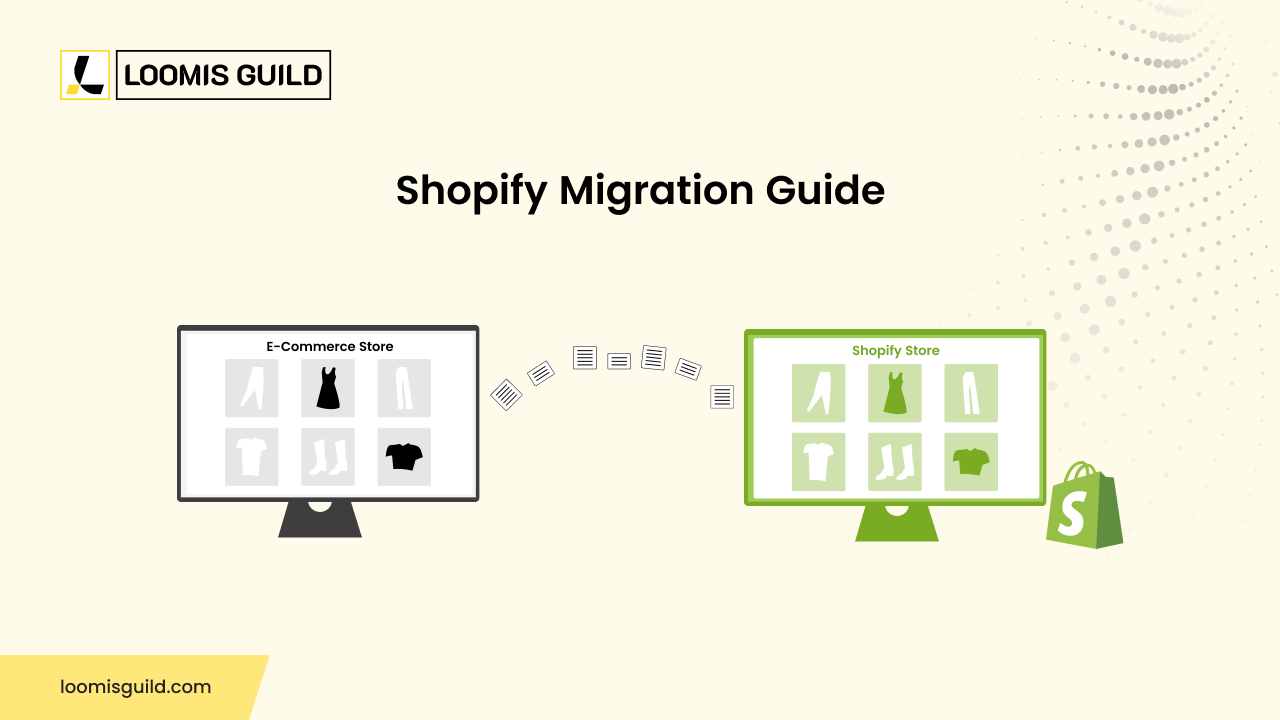
Shopify migration is the process of moving your entire e-commerce operation, including products, customer records, order history, content, and store configurations, from your current platform to Shopify or Shopify Plus. That might be from WooCommerce, Magento, BigCommerce, PrestaShop, or something custom-built.
What surprises a lot of people: it’s not just a data transfer. Done properly, it also covers theme setup, payment gateway configuration, app integrations, URL structure mapping, and post-launch testing. Each of those layers introduces risk if it’s rushed or skipped.
Shopify migration services generally address three types of stores. Standard Shopify covers small to mid-size merchants. Shopify Plus handles high-volume and enterprise operations. Headless Shopify builds are for businesses that need a fully custom front-end experience while still running on Shopify’s commerce infrastructure underneath.
There’s no single trigger, but these are the patterns we see most often with genuinely ready clients:
That last one is worth expanding. Shopify Plus migration isn’t just a bigger version of standard Shopify; it’s a different product. It’s built for brands processing over $1M annually, those running B2B wholesale portals, or stores that need custom checkout scripting and a dedicated merchant success team. If you’re at that scale, the standard plan will start showing its limits fairly quickly.
There’s no one-size-fits-all migration tool. The right choice depends on your catalog size, your source platform, and how messy your data is. Here’s a practical breakdown:
| Tool / Feature | What It Actually Does |
|---|---|
| Shopify Importer App | Native CSV-based product and customer import inside the Shopify admin. Fine for small catalogs, hits a ceiling fast. |
| Matrixify | The workhorse for large catalogs. Handles metafields, variants, and collections far more flexibly than the native importer. |
| LitExtension | Automated platform-to-platform migration for 200+ carts. Good if you want a mostly hands-off data transfer. |
| Cart2Cart | Covers order history, customer accounts, and blog content from 85+ platforms. Solid option for mid-complexity stores. |
| Transporter App (Plus only) | Shopify Plus’s CLI tool for high-volume transfers via JSON/CSV. Most reliable for enterprise-scale data. |
| 301 Redirect Manager | Bulk URL redirect mapping. Not optional; this is what protects your rankings during a Shopify SEO migration. |
| Google Search Console | Your post-launch early warning system. Set it up before go-live, not the week after. |
For most mid-size stores, Matrixify, paired with Google Search Console post-launch, covers the bulk of what you need. For larger enterprise work, Shopify Plus’s Transporter App is the most dependable—it was purpose-built for high-volume migrations, and it shows.
One thing worth noting: don’t assume the tool does all the thinking for you. Even LitExtension, which handles a lot automatically, needs a human reviewing the output. Variant mappings and metafield structures don’t always survive the transfer cleanly.
Follow this sequence closely. Cut a corner early, and you’ll almost always pay for it later.
1. Audit your current store – Export everything: products, customers, orders, blog posts, pages, and all active integrations. Document every URL that currently pulls organic traffic. You’ll need this list for redirects later. This audit is the foundation. People who skip it always regret it.
2. Set up your Shopify environment – Create your Shopify or Shopify Plus account, configure store settings, install your theme (or get a custom one built), and connect your domain in staging mode. Don’t underestimate the time the theme setup takes; it’s where a lot of projects slip.
3. Map your data schema – Match your current platform’s data fields to Shopify’s structure. Product metafields, variant options, and customer tags frequently need manual mapping. Shopify doesn’t have a 1:1 field match for every platform plan for that gap.
4. Run a test migration – Before touching live data, run your chosen tool on a sample dataset. Check product images, variant pricing, customer emails, and order associations. The issues you catch here are problems you don’t have to fix at 2 am after launch.
5. Execute the full migration – Run it during a low-traffic window. Import products first, then customers, then orders. Validate record counts before and after each batch. This is how you catch partial failures before they become permanent gaps.
6. Rebuild your app stack – Reinstall or replace critical apps: email marketing, loyalty programs, live chat, ERP connectors, subscription tools. Test every integration end-to-end. Don’t assume they work just because they’re installed.
7. Set up 301 redirects – Map every old URL to its Shopify equivalent. This step is not optional if you want to protect your Shopify SEO migration results. Every indexed URL that changes without a redirect is a ranking signal you’re discarding.
8. Test before you go live – Checkout flows. Payment gateways. Tax calculations. Mobile responsiveness. Third-party pixels. Write a checklist and go through it twice, once by the person who built it, once by someone who didn’t.
9. Launch and watch closely – Point your domain, remove password protection, and monitor immediately. Google Search Console, site speed, conversion rates. The first 30 days are when small issues surface before they compound into big ones.
If there’s one area where we see consistent, preventable damage during platform switches, it’s SEO. A poorly managed Shopify SEO migration can produce ranking drops that persist for months. And the frustrating part is that most of it is avoidable.
Shopify enforces its own URL patterns: /products/, /collections/, /pages/. If your previous platform used different structures, and most do, you need a 301 redirect for every indexed URL. Upload your redirect file via Shopify admin under Navigation → URL Redirects, or use Easy Redirects for bulk imports.
One thing that catches people off guard: the homepage and top-level categories aren’t the only pages that matter. Pull your Search Console data before migration and look at which specific URLs are driving traffic. Often, it’s a few mid-tier blog posts or product pages doing heavy lifting that you wouldn’t have guessed. Every one of those needs a redirect.
Migrate and verify title tags, meta descriptions, structured data (Product and FAQ schema, especially), and canonical tags. Shopify’s native SEO fields handle the basics well. For advanced schema and canonical controls, apps like SearchPie or SEO Manager fill the gaps.
Submit your updated sitemap to Google Search Console immediately at launch, not a day later, right away. Run Screaming Frog on your new store before and after launch to catch broken internal links, missing redirects, and thin-content pages before Google does. Monitor the Coverage report weekly for the first 60 days.
There are situations where attempting it alone ends up costing more than hiring help would have. Bring in a Shopify migration expert when:
Loomis Guild is expert migration ecommerce company, we manage your staging environment, runs pre-launch QA, and stays available post-launch to catch issues that don’t show up until real traffic hits. Loomis Guild delivers end-to-end Shopify migration services for businesses of all sizes, from straightforward platform switches to complex enterprise transitions across diverse verticals.


let’s build something great
Tell us about your project and our ecommerce specialists will get back to you with clear next steps.
Complete the form and we’ll be in touch shortly.